
Freelancing can be an excellent way to earn some extra money or to create a full-time business. In the last few years, we have seen a sudden increase in the demand for freelancers. Freelance writers, web developers, graphic designers, and virtual assistants can find a lot of work online,
However, creating invoices for the clients can be a challenging task for them. Especially, when you are working without using any marketplace to get your payments. At that time, you need a reliable way to invoice your clients for all the services you provide.
This article covers the best method to create an online invoice for freelance work within a few seconds. Even if you have never created an invoice in your life, you can use this solution to get it done. So, let’s start with some basic information about an invoice that you must know.
Tip: Click here to create an invoice now.
What Does an Invoice Include?
An invoice is a bill issued by the freelancer to the buyer that lists out all the services provided by the person. That way, the client can check the services and their price to release the payments. There are thousands of templates that you can use for an invoice.
However, most of them include the date, service provider’s name, buyer, provided service, rate, and total payment. That way, anyone can easily keep track of the payments without facing any issues.
Here is the best platform to create invoices online for freelance work.
WeInvoice
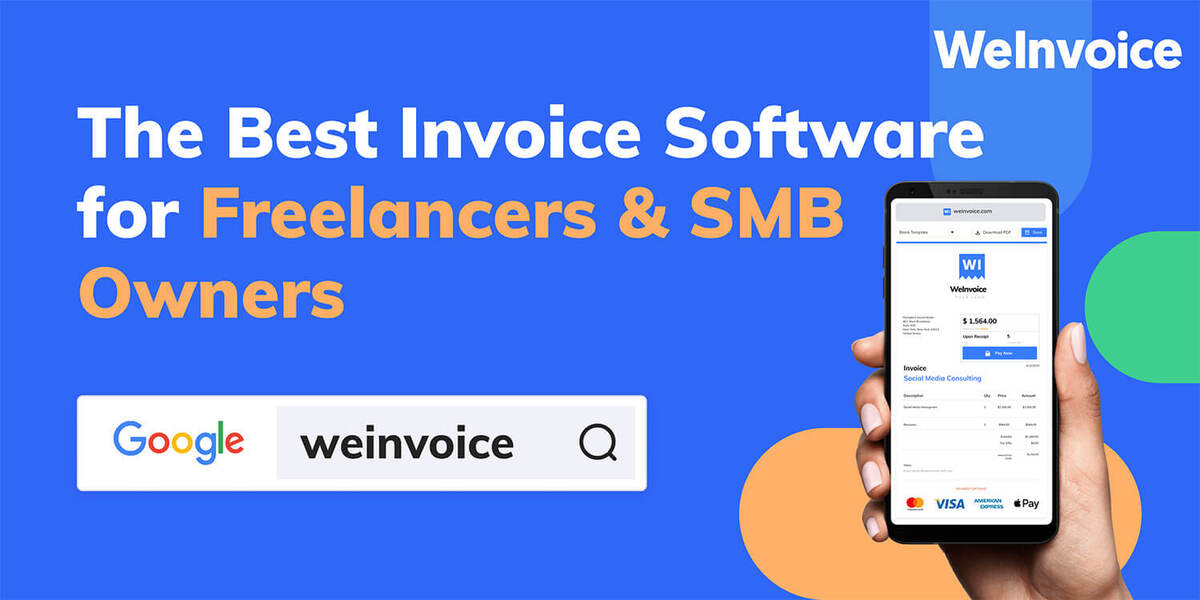
WeInvoice is one of the most widely used invoice solutions for freelancers. Anyone can create an account on WeInvoice’s website and start creating free invoices for their clients. The best part about this website is its easy-to-use interface that lets you create an invoice within a few seconds.
Users can easily customize the template to add the business name, logo, and list out all the services to get compensated correctly. Another way to customize your invoice is by choosing a new template for the invoice. It is helpful when you want to have different invoices for different services.
ALSO READ – How To Make Design with DesignEVO
We recommend using WeInvoice as it is the best solution to create invoices for freelance work. However, other users can also use the solution by choosing what type of invoice they need.
What are the Main Parts of an Invoice?
If you are using WeInvoice, you have different options to customize the invoice your way. Here are some of the field that you can add to your invoice:
- Header: It is the part where you enter what your Invoice is about. This part can also be used to inform the client about the type of invoice you have sent to them and whether it is urgent or not.
- Your Business Details: Having a unique and professional invoice can help you go a long way. You can use this section to add your business name, address, and logo for your client’s convenience.
- Client Details: You can add the client details to confirm that this invoice is intended for them.
- Services: Here you can add the service that you are invoicing to the client. It can include the service name, rate, and charge.
- Terms & Conditions: You can add a separate section to list out terms and conditions. One such example of a condition is- ‘Client can get a 2% discount if the payment is cleared within the net 3 days’.
How to Create an Invoice with WeInvoice
Ready to create your first invoice? Follow these steps and do it easily:
- Start by creating a free account on its website. It will help you create and save templates for future use. Also, it helps create invoices on the go
- Choose the template of the invoice that you want to create
- Click on it and enter your company details on the header section of the invoice. You can also add your brand logo there
- Enter the invoice number to keep track of your payments
- Enter the description of the services that you have provided
- List out the price for each service and it will automatically calculate it for your convenience
That’s it. Download the invoice or send it directly to an email address.
ALSO READ – Best Sites To get Available Remote Jobs
Final Words
If you are a freelancer and want to know how to create an invoice online for freelance work, this website is your best option. Many templates help you create the invoice you want. Also, some additional features make it an excellent tool for professionals and beginners.