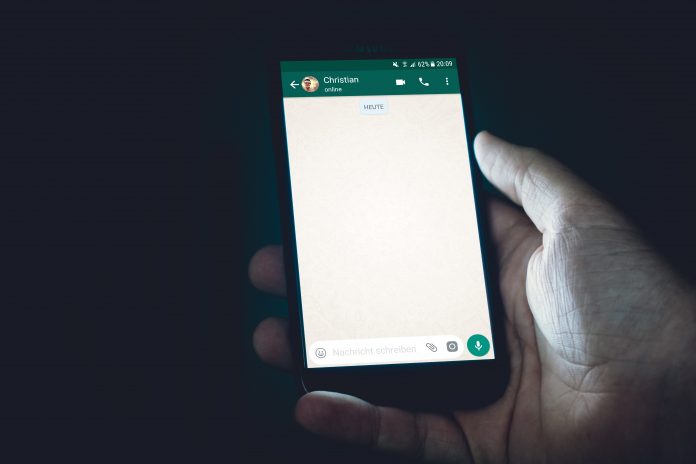
WhatsApp one of the popular, most used social media platforms out there comes with a lot of features. But who will guess, it has several hidden features that will amaze you. So let’s look at hidden WhatsApp features you might not know.
Note that despite these features are hidden that doesn’t me they are no use. Do you know you can bold, italics a text on WhatsApp?
Let’s sit back and see these features that will be fun to use in the coming days. You can also download WhatsApp for Android and IOS.
Top 6 Hidden Whatsapp Features
WhatsApp started as a boring messaging platform with little features for its users. They were other messaging platforms that has a lot more features than WhatsApp but were still left out.
For its simplicity, WhatsApp stands out among others. Well the messaging platform now has the same features others have even more.
These added features have gone unnoticed by users. Probably some aren’t expecting WhatsApp to have such features. With that said, it will not be wrong to call these features hidden WhatsApp features.
Below is a list of hidden WhatsApp features you should know.
1. See favorite WhatsApp chat on the home screen.
2. Place WhatsApp camera shortcut on the home screen.
3. See new WhatsApp messages on the Home screen.
4. Change your WhatsApp Number.
5. Whatsapp starred Messages.
6. Use Typewriter Font in WhatsApp
See Favourite WhatsApp Chat On Home Screen.
On an android device, this feature has not been hidden but a forgotten one. Similar to before. To see this feature on the home screen, simply go to the widget you can see the WhatsApp widget.
Drag and drop the widget on the home screen. And it will show you all the new messages on the home screen.
Place Whatsapp Camera Shortcut on Home Screen.
For those who like sharing images on what’s using the camera. Or those who want to share a quick WhatsApp image status don’t have to go to the app often to share.
It is much easier and fast to place a WhatsApp camera on the home screen. How to do this, just press long on your Android device.
Then select widget on the options provided. Now drag and drop the WhatsApp camera widget on the home screen.
The WhatsApp camera sits on the screen of your device like any other app icon. When you tap it it quickly takes you to go WhatsApp camera.
To either share and immediate image or update WhatsApp status.
See New WhatsApp Messages On Home Screen.
What? Everyone has a WhatsApp favorite contact right. So the hidden WhatsApp features help you add favorite contacts on the Android home screen.
However, if you are using the newer Android version OS it allows you to do this. So you have several ways of adding contacts to the home screen.
• Using of App shortcuts.
App shortcuts were introduced to Android phones for about 3 years now. And WhatsApp is among apps that go along with it.
It allows users to place favorite what’s contact on the home screen with no stress. How it is done. Firstly, you have to long-press on the WhatsApp icon.
It will display three most WhatsApp contacts drag and drop on your home screen.
• WhatsApp Chat Widget.
Another method f placing favorite contacts on home screen especially for the older versions of Android. Is to use
WhatsApp chat widget. Long press on an empty part of the home screen. Then select widget from the display options.
After doing that drag and drop WhatsApp chat widget on the home screen. You will then be asked to select your favorite contacts.
• Addition Of Chat Shortcut Within WhatsApp
There is another way apart from the mention ones above. This is more of a hidden WhatsApp features. Why? Because it is really hidden. Open your WhatsApp favorite chat thread.
Then hit on the three dots above and select more. Now you can select add the shortcut. Either drag and drop on the home screen or add automatically.
Change Your WhatsApp Number.
As you know, WhatsApp works based on the number you used in registering. If you lose the number you lose all the info. Not to worry, when you get a new number, you can easily change the old one.
To do this, go to the WhatsApp icon and launch it. Tap the three bottom menu. Go to settings> Account and select change number. Follow the displaced instruction.
Enter your old and new WhatsApp number. Wait for an OTP verification code. After this step your WhatsApp number will be changed.
Whatsapp Starred Messages.
Although starred messages are not hidden WhatsApp features. Anytime you get an important message you want to view later you can just star it.
This feature is done by long pressing on the message. After that tap on the star icon. You can access starred messages from the three-dot menu on the main screen.
Use Typewriter Font in WhatsApp.
Typewrite don’t is another hidden WhatsApp features. It takes a bit more effort to use than typing bold text.
On the other hand, it’s not that difficult too. Simply enclose your text within three symbols.
Conclusion
There you have it. There are some hidden WhatsApp features we might not have written down here. If there is any we miss help us know in the comment box below.