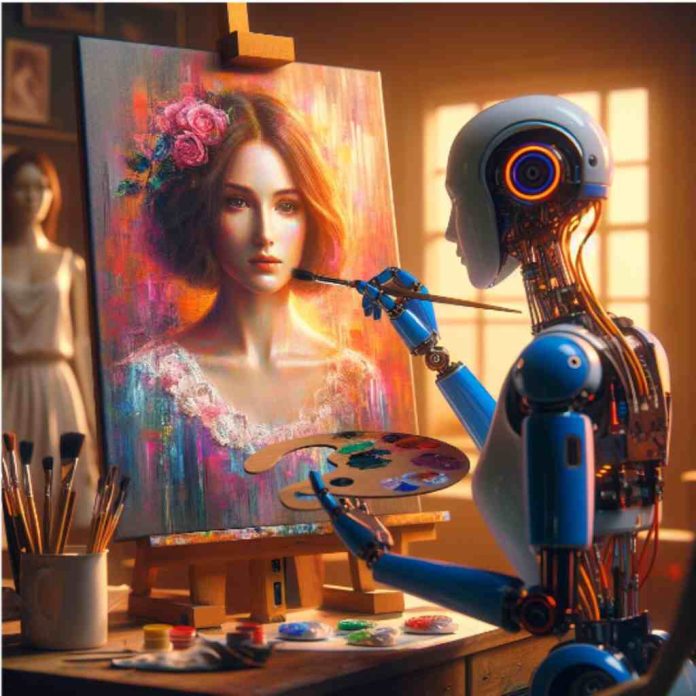
How do you make a good AI image generator prompt? Well, it’s easier than you think.
Simply explain what your subject is doing and describe the environment. Then you can add an art or design style to refine your result–you may be surprised by the first images that you create.
In this guide, we’ll show you how to write expert prompts that you can use for digital marketing purposes or to sell on platforms like Etsy.
The opportunities in generative AI are numerous, and you’re an early bird if you are just jumping on the AI train.
Now, Let’s explore the space of AI art where you’re only allowed to run at the speed of your imagination.
Choose an AI Image Generator
The first step to writing effective prompts is to choose an AI image generator. But there are a handful of AI art tools out there and picking the right one can be a hassle. On top of that, new AI image generators are constantly being released even as we speak.
Recommended – AI in the world of data integration
However, every AI image generator has its strengths, weaknesses, and unique way of creating images depending on the data sets it was trained with.
Here are a few AI image generators you can get started with:
- Midjourney
- Stable diffusion
- DALLE-3
- Starry AI
- Night cafe
- DeepAI
- Deep dream generator
- Pixray
- Bing Image creator
- Craiyon
You can try some of these tools to see which one suits your style but be specific in your prompts so your free credits don’t go down the drain. Unless of course, you’re ready to subscribe to the AI tool.
However, we will use Bing Image Creator as a case study for this guide.
Tips for Writing Prompts for AI Image Generators
Here are a few basic tips you need to keep in mind so you can squeeze out your desired result.
- Keep your Prompts Simple: Think of it as entering bulky text in a website search bar only for it to return zero results. Anywhere between 3-7 words should be enough.
- Create Scenarios with a Subject: You can etch out images without a subject but the results will not be what you intended.
- Imagine with Adjectives: Try to incorporate adjectives as much as possible in your prompt. Use it as your color palette to bring your art to life.
- Work with Concrete Nouns: AI image generators understand specificity, so build your descriptions with concrete nouns. A prompt that starts with “a photo of a red bike” would most likely contain a red bike. On the other hand, abstract nouns like happy or sad will return mixed results.
- Avoid Using Negative Prompts: If you don’t want a car in your prompt then there is no need to state it. Instead, describe only what you wish to see in your image.
How to Write AI Image Generator Prompts
Picture a Scenario
First, ask questions like what type of art form do you wish to produce? What is the subject doing? The more detailed your prompt is, the better the output.
You can try out things like:
- A photograph of a beach.
- An illustration of the moon.
- A pencil sketch of a pineapple.
- A cyberpunk art of a robot dog.
Prompt: “A photograph of a beach”
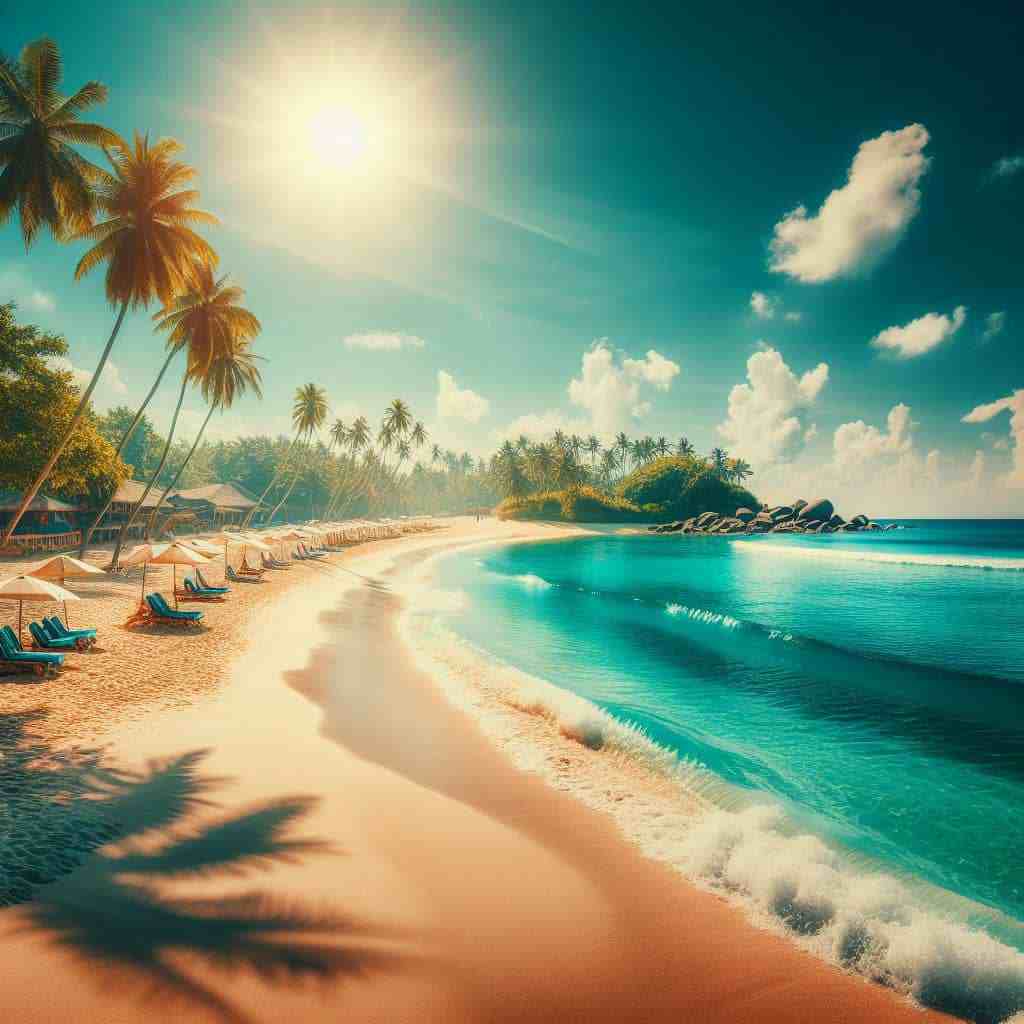
You must not always start by describing the type of art, starting with the subject like “a yellow duck in a pool” will still get the job done.
Describe your Subject
To add more aesthetics to your art, describe your subject with detailed features. Doing this will add more flesh to your prompts and make the subject come alive. Here’s where you input those unique adjectives or descriptors locked up in your head.
Take a look at some of these examples:
- A picture of a wooden haunted house with vines creeping all over it.
- A 3d rendering of Thor with black hair and huge muscles
- An oil painting of a bowl filled with supple fruits.
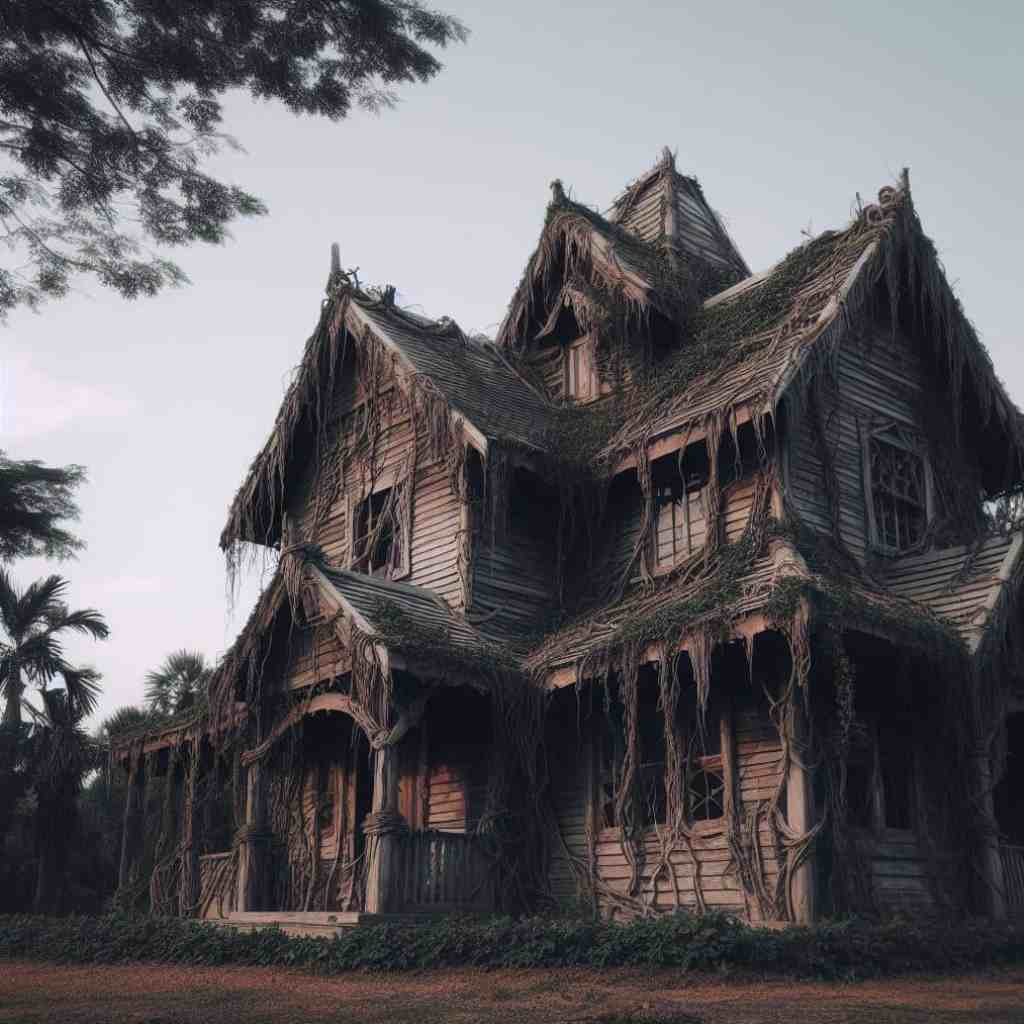
Prompt: “A picture of a wooden haunted house with vines creeping all over it”
You can play around with different descriptors to see what works for you.
Describe the Environment
If you don’t describe the surroundings of your subject, the AI algorithm will guess a suitable environment or background. Although it may be appropriate in some cases you should not leave it out.
Take for instance:
- A small red-haired girl walking on a narrow path in the woods.
- A close shot of a goldfish with black spots eating worms in an aquarium filled with green grass.
- A black American gladiator carrying two short axes inside a Colosseum packed with noisy fans.

Prompt: “A small red-haired girl walking on a narrow path in the woods”
Add an Art Style or Form
Art forms or styles help to give your output a certain look and feel. It can be placed at the beginning of your prompt, just as it was used earlier “an illustration of the moon”. Adding art forms changes the entire landscape of your design or art, giving it that personal touch and uniqueness.
Here are some examples below:
- A digital art of a futuristic London bridge at sunset in surreal style.
- Overhead shot of a brown dragon breathing fire in a sunny city designed in street art.
- An image of a boy playing with a yellow soccer ball under the snow in a busy walkway using collage art.
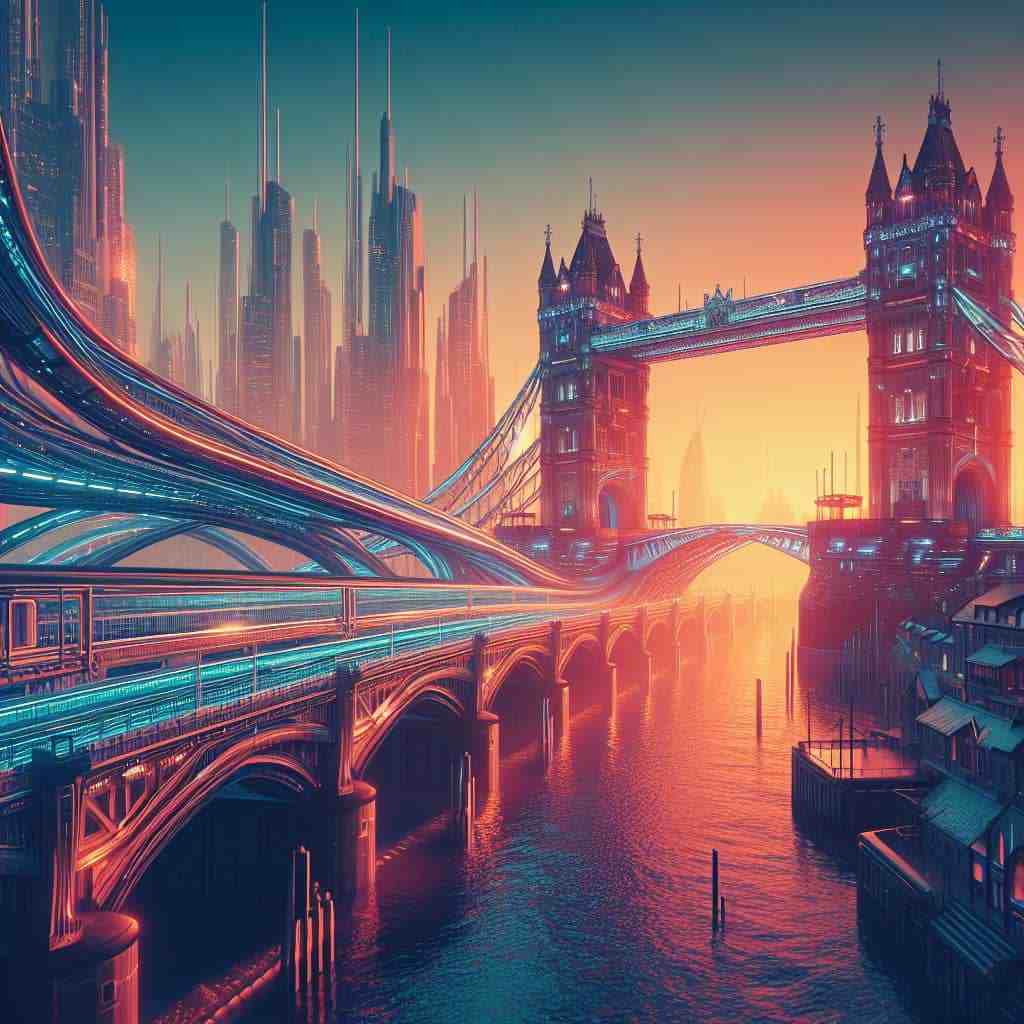
Prompt: “A digital art of a futuristic London bridge at sunset in surreal style”
Input Artist References
Using art references enables the AI image generator to create results based on the works or style of an artist. Note that you should use only non-living artists to avoid falling prey to copyright laws. Alternatively, you can attribute the art to the author if you wish to use a present-day artist.
Here’s what it will look like:
- A ballpoint sketch of a waterfall in the Caribbean in the style of Vincent van Gogh
- A bird’s eye view of the epic city of Olympus was created in the style of Leonardo da Vinci.
- A colourful painting of the Persian army charging against the city of Rome, film still, in the style of Jason Gathorne-Hardy.
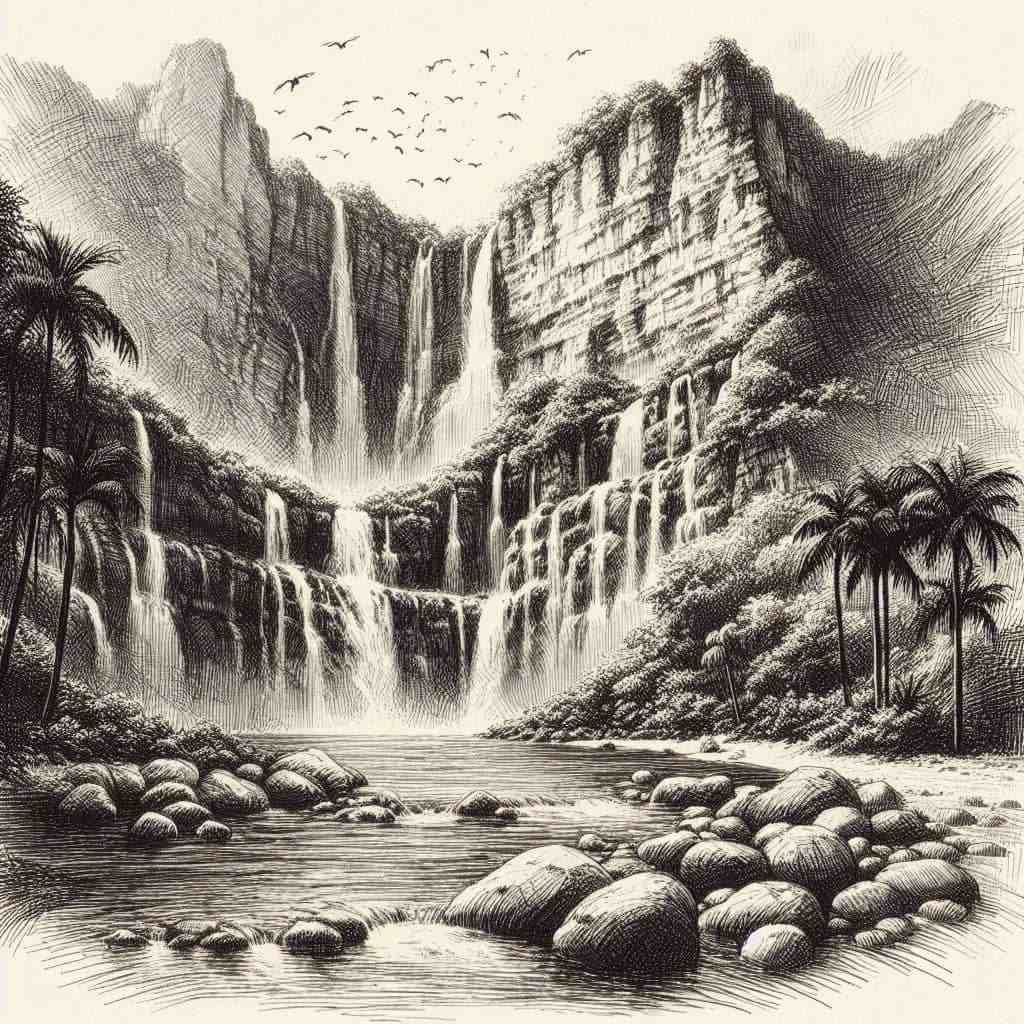
Prompt: “A ballpoint sketch of a waterfall in the Caribbean in the style of Vincent van Gogh”
Use Lighting and Colour Scheme
Adding lighting to your prompts will make your prompts to be more realistic with shades of light. Colour schemes will affect the colour of light and objects in the image.
Let’s look at some examples:
- A 3d rendering of Batman’s secret lair with soft lighting.
- A narrow river flowing in a desert, yellow colour scheme realism.
- An impressionist art of a mother carrying an adorable baby in a baby cart in a busy mall with dynamic lighting.
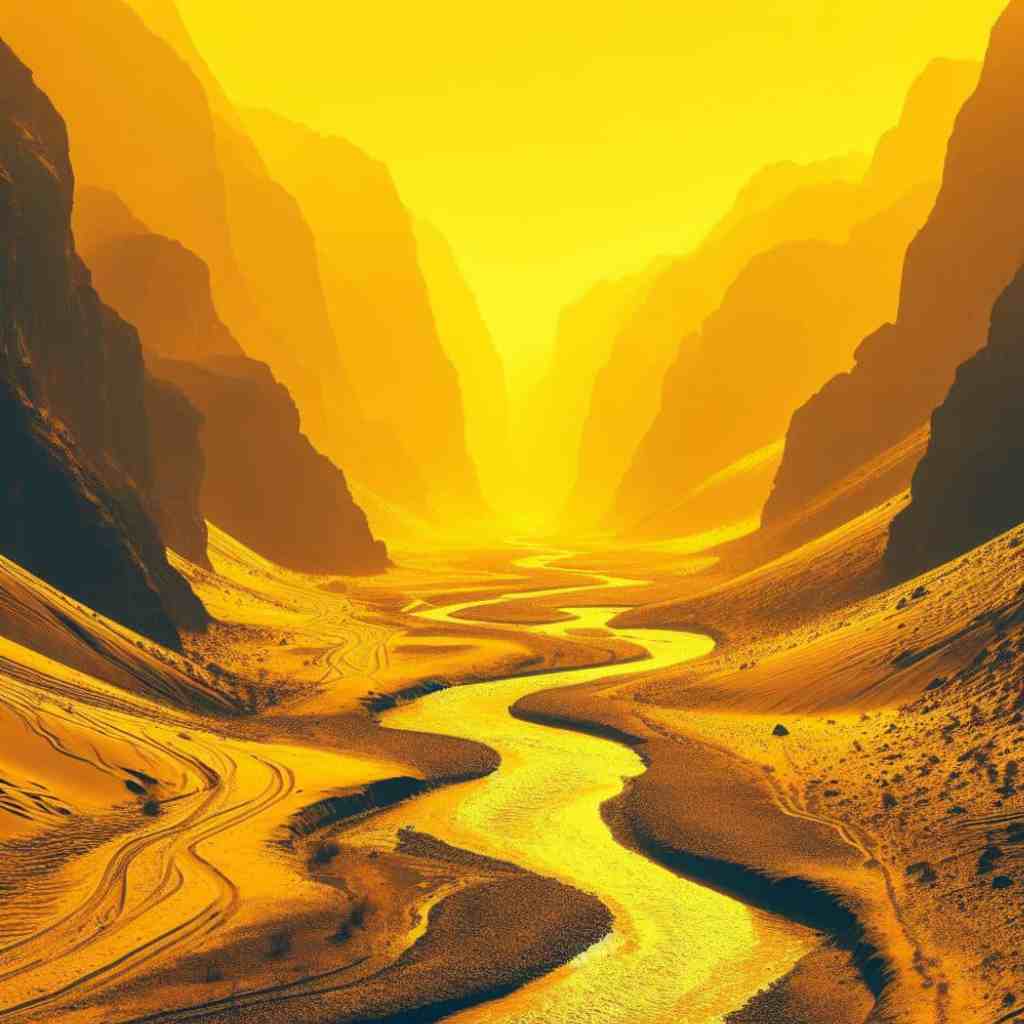
Prompt: “A narrow river flowing in a desert, yellow colour scheme realism”
Control your Output with Framing
Framing can be used to tell the position of the subject in your image and upscale or downscale the image properties. You can use words like aspect ratio(ar) 4:3, 1789×1500 resolution, aerial view, close-shot, etc.
Here are some examples:
- A digital art portrait of a Nigerian teenager wearing a black leather jacket, with a Mohawk, 4K, -ar 4:3.
- A close-up shot of a bee sucking nectar from a sunflower on a bright summer morning, beautiful lighting.
- A 1200×1200 resolution of tropical rainforest in mid-Asia, swarming with wildlife.
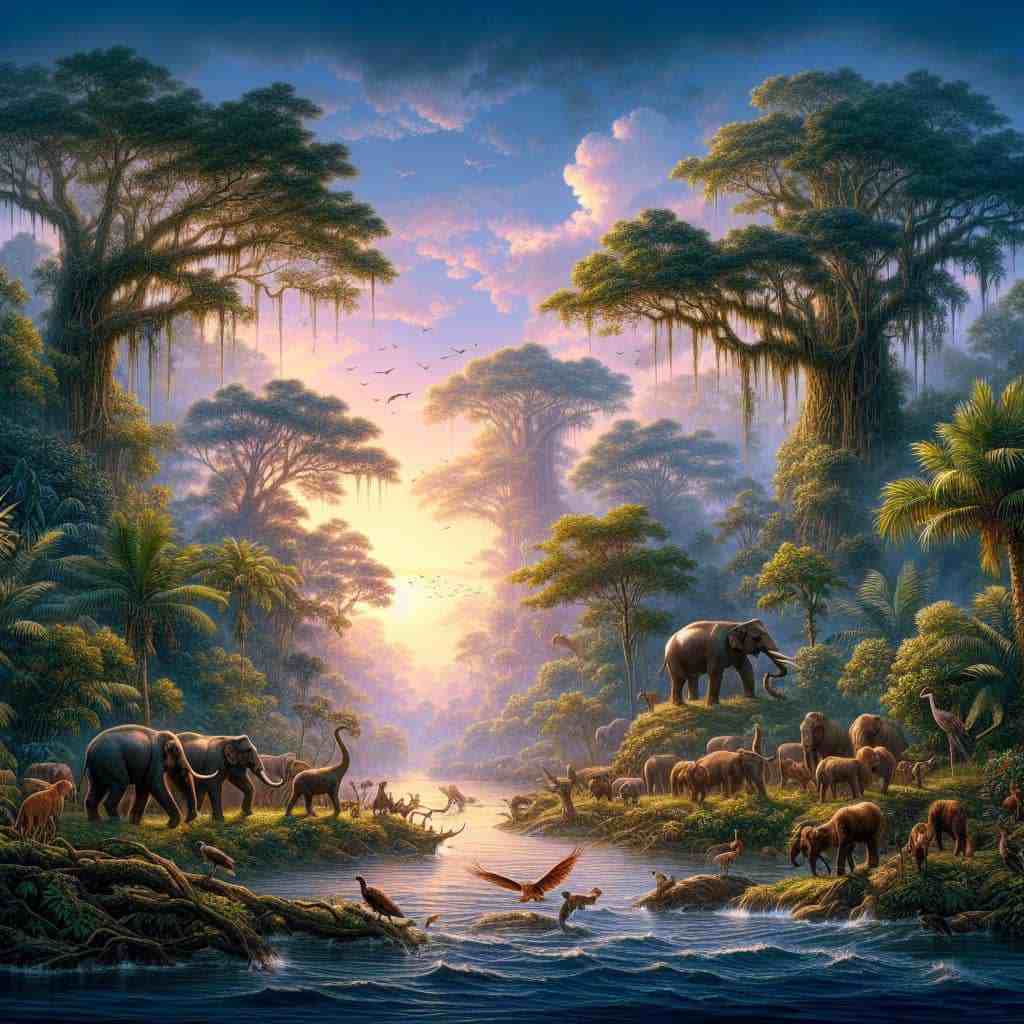
Prompt: “A 1200×1200 resolution of tropical rainforest in mid-Asia, swarming with wildlife”
Specify the Software Features
This could be the camera used, the quality of images like 4K or HD, CGI software, and so on. Don’t bother about knowing all the keywords at first; with practice, you can learn how to use them instinctively.
For example:
- An illustration of the eclipse of the moon in outer space, hyper-realistic, unreal engine, wide angle shot.
- An old pirate ship wrapped by a huge kraken in a heavy storm in the Atlantic Ocean, mystic, ultra HD.
- A photo-rendering of a city on the moon in the year 2050, 6K, sci-fi, cinematic lightning.
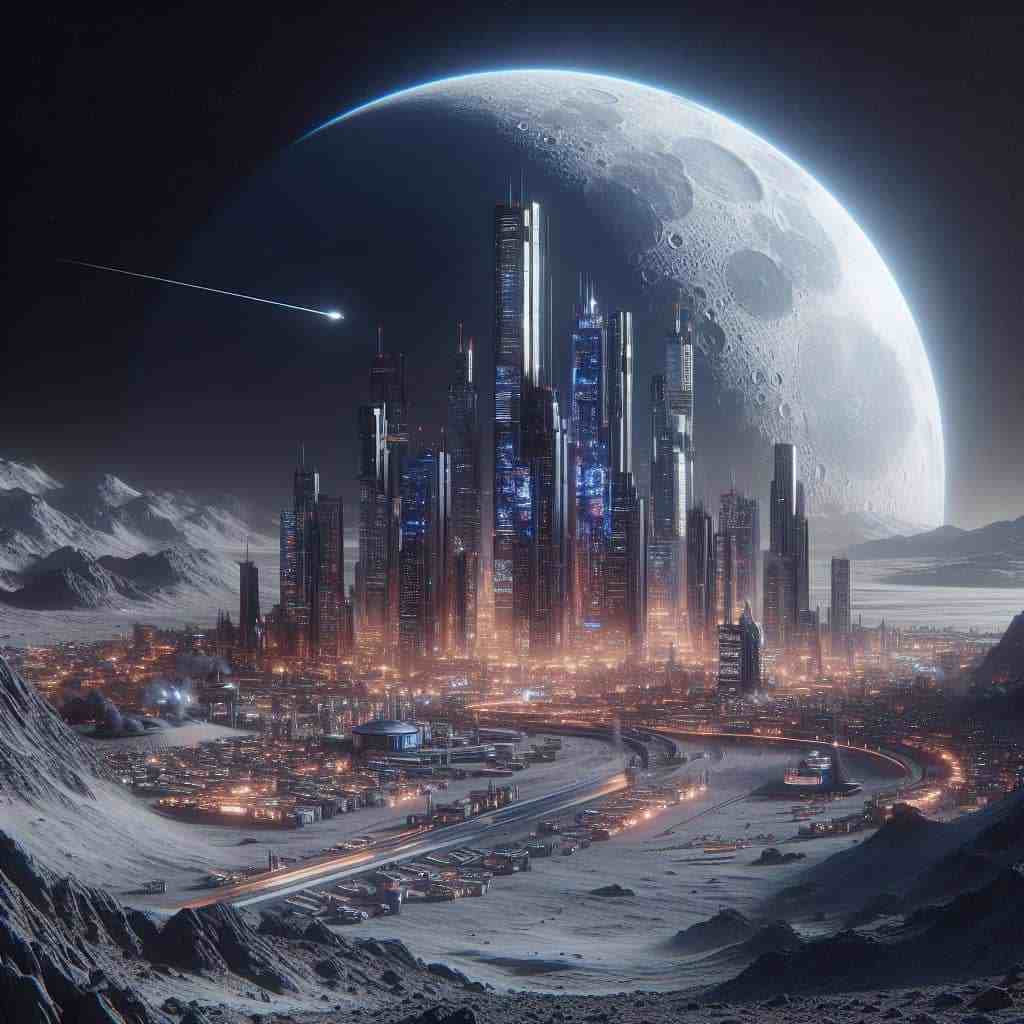
Prompt: “A photo-rendering of a city on the moon in the year 2050, 6K, sci-fi, cinematic lightning”
Note that some AI art generators have in-built art styles that allow you to pick an art form and run your prompt ideas.
How to Get More Refined Prompts
Practice and More Practice
There is no secret here, playing around with AI image generators will make you an expert sooner rather than later. Then you would be able to know what keywords are best for certain generators.
Join a Community
Joining a community of like-minded individuals will help you brush up your prompting skills. You’ll be able to learn from experts and get inspiration to channel into your prompts.
Thankfully you can join Open AI and Midjourney discord servers to connect with other AI art enthusiasts.
Perhaps you just wish to feed your mind with a library of images and corresponding prompts then you can hop on neural love and lexical art.
Use the Extra Features
Still, looking for ways to level up your prompting game? Then you can take advantage of the features below.
However, these features are model-specific and available in top text-to-image generators like Stable diffusion, Midjourney, and DALL-E3.
- Convert real images to prompts: Whenever you hit a creative block you can upload real images and filter the prompts for inspiration.
- Edit images with prompts: This would help you to cut out the rough edges and add final touches to your images.
- Make use of the outpainting feature: Outpainting simply means creating a virtual environment around an original image using text prompts.
- Outsource prompts from AI chatbots like ChatGPT: This will save you a lot of time and help you build realistic images fast.
Follow AI Art Creators on Social Media
Try as much as possible to follow good AI art channels or pages on YouTube, X, Facebook, Instagram, etc. Forums on Reddit and Quora will also help you connect and grow together with a tribe of AI artists.
Take a Course
If you want to use AI-generated images for digital marketing purposes or get paid to create AI-generated images. Then committing to an online course should be your best alternative. It can help to cut down your learning time so that you can start implementing the AI tools in your business.
In Summary
You don’t need to be an artist or graphic designer to create top-notch AI-generated images–though that would be a big plus. Just knowing the structure and the right keywords to plugin is enough to pump out super realistic images.
If you would love to learn more about generative AI then you can visit our AI section to whet your appetite. Now, get behind your screen and paint pictures with words!
Felix Bio
A seasoned tech content writer who helps tech sites grow their traffic with well-researched and keyword-rich articles. He possesses engaging writing abilities, attention to detail, and timely delivery of copy before deadlines.
I am a freelance writer for hire and you can check out my writing portfolio and connect with me via my social media handles: LinkedIn and Twitter