[sg_popup id=”30″ event=”onload”][/sg_popup]Infinix Hot 4 Pro is one of the devices that has been making waves since its release date, now let’s talk on how to upgrade your device. Check specs here
There is no much difference between the Infinix Hot 4 and Infinix Hot 4 Pro, except for the 4G network feature on the Infinix Hot 4 Pro.
Also, the Infinix Hot 4 Pro has an inbuilt feature called Dirac. This add flavors to the sound that the device gives.
Let cut to the chase. Let’s talk about how you can upgrade Infinix Hot 4 Pro to Android 7.0
Requirements
- PC (Windows)
- MediaTek Vcom Drivers download
- SP Flashtool V5.1628 download
- Infinix X556 Nougat ROM Link here download
- Infinix x556 TCard Update (Nougat V45) file Link here download
- USB cable
- Infinix Hot 4 Pro itself
Steps To Upgrade Infinix Hot 4 Pro To Android 7.0
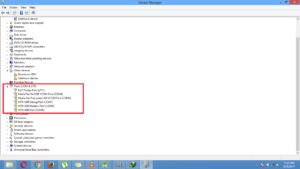
- Install your MediaTek Vcom drivers (Learn here) and check your Device manager (Windows) you should see something like this screenshot
- Extract the Infinix X556 Nougat zip file into a specific folder.
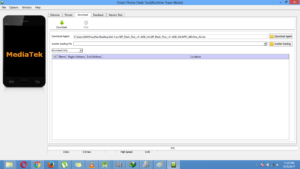
- Launch your SP Flash Tool V5.1628 And you should see a screen like this
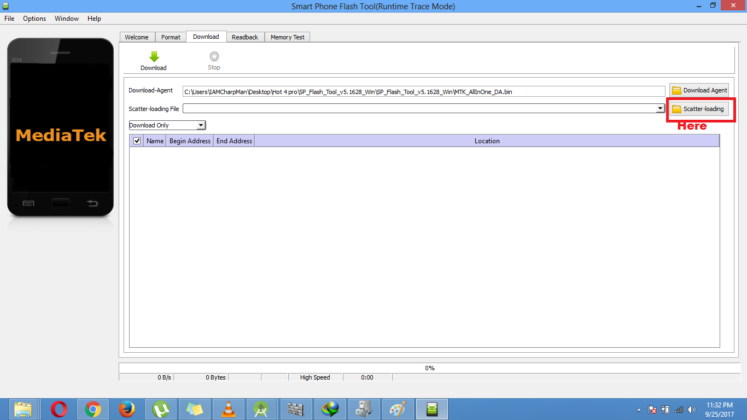
- Now click on “Scatter_Loading” on the SP Flashtool and load the Scatter file from the location you extracted the Nougat Rom into just like this
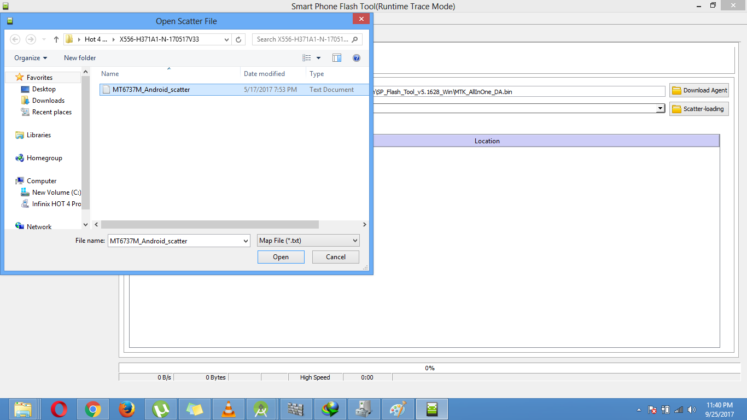
- After loading the files you should see a screen like this and make sure all the files are ticked just like this screenshot
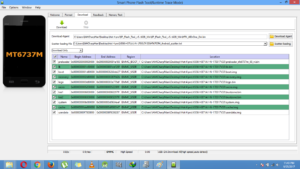
- Now get your phone Make sure it is Charged up to 50% and above, and Make sure You back up your files.
- Click on download on the SP flash tool and switch off your phone and connect to PC via USB. And you should see a Yellow Progress bar bellow on the SP Flashtool.
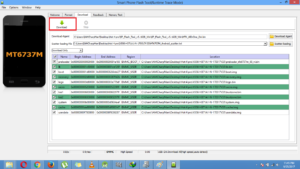
- Wait until you see an Ok Result on the screen like this.
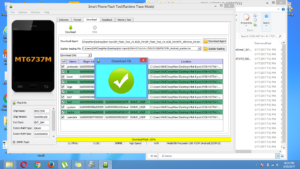
- Now make a hard reset on your device (Learn here ) and reboot your device and you should have Android 7.0

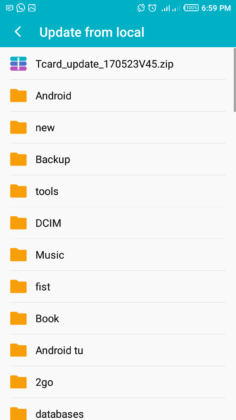
- Copy the Tcard Update File to a memory card and place it in the root directory of your memory.
- Now set up your device after turning it on. Go to system update (App) and click on the “update from local” and select the Tcard update(it will be at the top). Install the Update
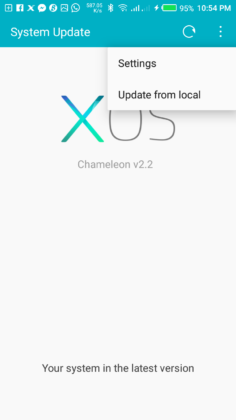
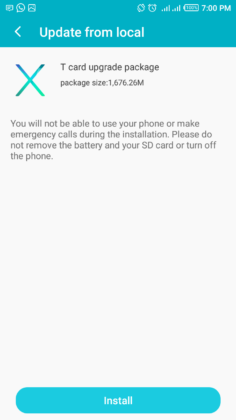
- Finally make a hard reset on your device again and reboot the device and you should have Android 7.0 on your device. Enjoyyy


There are some bugs like Not showing H+ on network, Abnormal Charging…. But to be real the OS is okay and worth using.
Note:- Make sure you back up your files before starting any upgrade process.
ANOTHER NOTE: YOU CAN UPGRADE YOUR DEVICE VIA THE OTA, THROUGH THE SYSTEM UPDATE APP ON YOUR SMARTPHONE.