

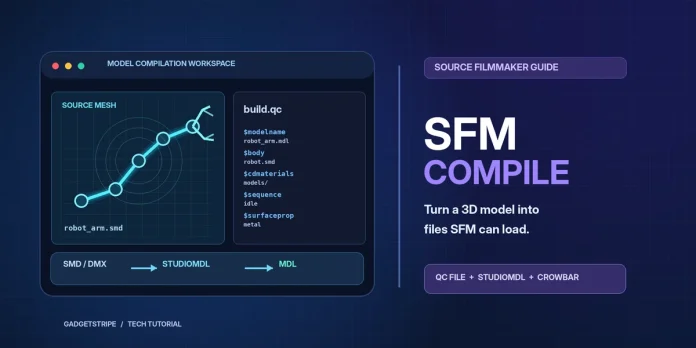
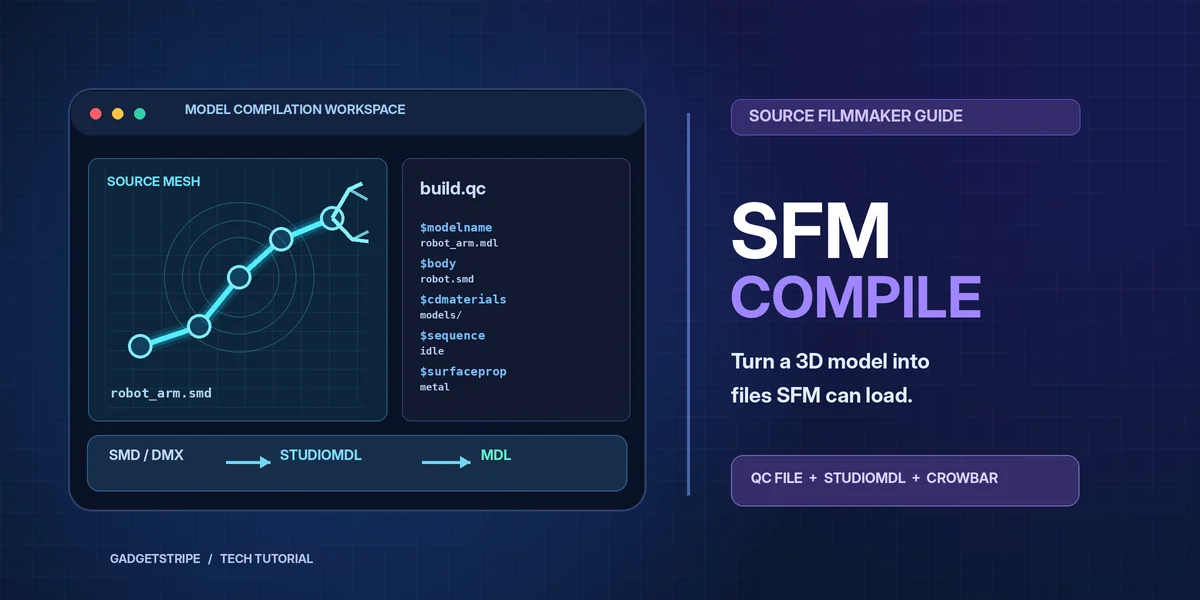
SFM compile is the step that turns a 3D model into files Source Filmmaker can load. Valve’s free animation tool reads only its own MDL format, so every custom character, prop, or weapon goes through a compiler first.
The standard compiler is studiomdl, a command-line program made by Valve. It reads a text script called a QC file, gathers the exported mesh and animation files, and writes a set of binary model files.
Source Filmmaker has been free on Steam since July 2012. It runs on the Source engine, so its models follow the same rules as Team Fortress 2 and Half-Life 2 models.
What SFM compile means
The term covers two jobs. The first is model compilation: converting SMD, DMX, or FBX source files into MDL files with studiomdl.
The second is rendering. Some users call the final export of a movie or image sequence a “compile,” though Source Filmmaker labels it as an export.
Model compilation needs outside tools and a written script. Rendering happens inside Source Filmmaker.
How SFM compile works for models
The three inputs of a model compile
Valve’s developer wiki splits every compile into three parts. The first is a set of source files that describe the model, such as SMD, DMX, or VTA files.
The second is the QC file. It tells the compiler where to find each source file, where to write the result, and how to handle animations.
The third is studiomdl, the program that reads the QC and writes the compiled model.
FBX and OBJ files have limited support. According to Valve’s wiki, studiomdl cannot read flexes or FBX animation sequences, but an SMD or DMX sequence can run on an FBX mesh.
Files produced by an SFM compile
A successful compile writes several files with the same base name. Source Filmmaker needs all of them in the same folder.
| File | What it stores |
|---|---|
| .mdl | Model structure, animations, bounding box, hitboxes, material names, and LOD data |
| .vvd | Vertex positions, normals, tangents, texture coordinates, and bone weights |
| .dx90.vtx | Mesh data optimized for DirectX 9 hardware (older builds also wrote .dx80.vtx and .sw.vtx) |
| .phy | Collision model, rigid for props or jointed for ragdolls |
| .ani | Animation data loaded on demand, written when the QC uses $animblocksize |
The MDL file is the index for the rest. Valve’s MDL header stores a checksum that has to match the PHY and VTX files, so files from two different compiles cannot be mixed.
Tools used to compile SFM models
A basic compile needs studiomdl and a text editor. Most creators add a graphical front end and a texture converter.
| Tool | Job | Made by |
|---|---|---|
| studiomdl.exe | Compiles QC and source files into MDL | Valve, ships with SFM |
| Crowbar | Compiles, decompiles, unpacks archives, publishes to Workshop | ZeqMacaw, free on GitHub |
| Blender Source Tools | Exports SMD and DMX from Blender, runs studiomdl | Artfunkel, free Blender add-on |
| VTFEdit | Converts PNG or TGA images into VTF textures | Nem’s Tools, free |
| HLMV (hlmv.exe) | Previews compiled MDL files | Valve, ships with SFM |
| StudioMDL-CE | Modified studiomdl with higher limits | DeadZoneLuna, released 2025 |
Studiomdl in Source Filmmaker
Source Filmmaker ships with its own copy of studiomdl. It sits in the bin folder at steamapps\common\SourceFilmmaker\game\bin\studiomdl.exe.
Studiomdl writes output relative to a game folder set with the -game flag. For SFM, that flag points at the usermod folder, which has its own gameinfo.txt file.
Valve’s wiki recommends the -nop4 flag. It turns off Perforce source control, which few hobby setups use.
Crowbar
Crowbar is a free Windows tool by the developer ZeqMacaw. It puts studiomdl behind a graphical interface: select a QC file, pick a game setup, and press Compile.
It also decompiles MDL files back into QC and SMD files, unpacks VPK and GMA archives, and uploads Steam Workshop items. Version 0.74 is the latest listed release on its GitHub page.
Blender Source Tools
Blender Source Tools is a free add-on that imports and exports SMD and DMX files. Valve’s wiki lists Blender 4.1 as the minimum version for the current release.
The add-on can run studiomdl after each export. That removes the step of switching to a separate compiler for every test.
StudioMDL-CE
StudioMDL-CE is a modified studiomdl by DeadZoneLuna, first released on February 27, 2025. Its Valve wiki entry lists faster compiles, higher geometry limits, and DMX flex handling copied from the SFM build of studiomdl.
It also runs outside a bin folder. Without a -game flag, it writes the model next to the QC file.
SFM compile process step by step
1. Export the model as SMD or DMX
Export the reference mesh and its armature from Blender, Maya, or 3ds Max. Characters with facial flexes need DMX, or SMD plus a VTA flex file.
Props that need physics also need a separate, simpler collision mesh. Animation sequences go in their own SMD or DMX files.
2. Write the QC file
Create a plain text file with a .qc extension in the same folder as the source files. Studiomdl looks for referenced files in the QC’s folder unless a path says otherwise.
$modelname "custom\crate\wooden_crate.mdl"
$body body "wooden_crate_ref.smd"
$cdmaterials "models\custom\crate\"
$surfaceprop "wood"
$sequence idle "wooden_crate_ref.smd"
$collisionmodel "wooden_crate_phys.smd" { $concave }
Valve’s wiki states that every model needs at least one $sequence, even a static prop. The reference mesh can stand in as a one-frame idle.
| QC command | Purpose |
|---|---|
| $modelname | Output path and file name, relative to the models folder |
| $body | Reference mesh for a single body part |
| $model | Reference mesh with flex support, used for faces |
| $cdmaterials | Folder under materials that holds the VMT files |
| $surfaceprop | Surface type for impact sounds and effects |
| $sequence | Animation sequence (at least one required) |
| $collisionmodel | Collision mesh for props |
| $collisionjoints | Jointed collision mesh for ragdolls |
3. Prepare the materials
Source Filmmaker reads textures as VTF files and material settings as VMT files. VTFEdit converts PNG or TGA images into VTF.
Both go under SourceFilmmaker\game\usermod\materials, in the folder named by $cdmaterials. Each VMT file name has to match the material name assigned in the 3D program.
4. Run the compiler
In Crowbar, open the Compile tab, select the QC, choose a Source Filmmaker game setup, and press Compile. The log lists each warning and error.
From the command line, the call looks like this:
"C:\Program Files (x86)\Steam\steamapps\common\SourceFilmmaker\game\bin\studiomdl.exe" -game "C:\Program Files (x86)\Steam\steamapps\common\SourceFilmmaker\game\usermod" -nop4 "C:\modelsrc\crate\wooden_crate.qc"Studiomdl will not create missing folders. Make the target folder under usermod\models before the first compile.
5. Load the model in Source Filmmaker
Open Source Filmmaker, create an animation set, and browse to the new model under the custom folder. A model compiled while SFM is open may not appear until the program restarts.
Half-Life Model Viewer (hlmv.exe), in the same bin folder, opens the MDL without starting a full SFM session. It is a faster way to check textures and bones.
Common SFM compile errors and fixes
Studiomdl prints its errors to the log, often with the QC line or source file it was reading. The messages below appear on Valve’s developer wiki.
| Error or symptom | Cause | Fix |
|---|---|---|
| Error opening <model>! (Check for write enable) | The output folder does not exist | Create the folder path under models before compiling |
| Bad collision model, check your smoothing groups | Collision faces sit in different smoothing groups | Put all collision faces in one smoothing group |
| Model has 2-dimensional geometry | Split smoothing groups, or collision parts thinner than 0.5 inches | Merge smoothing groups or thicken the collision mesh |
| Bounding box out of range | Collision model extends past 16,384 units | Scale the model down or split it into pieces |
| EXCEPTION_ACCESS_VIOLATION with no error code | Compiler crash | Valve’s wiki suggests compiling with HLMV open |
| Purple and black checkerboard in SFM | SFM cannot find the materials | Match $cdmaterials and VMT names to the actual folders |
The checkerboard is not a compile error. The model compiled, but its material paths point to folders that are empty or misnamed.
Rendering in Source Filmmaker
When users mean rendering, the step is File, then Export, then Movie. Source Filmmaker can write a video file or an image sequence.
An image sequence uses more disk space. Each finished frame is saved as it renders, so a crash does not wipe out the whole export.
Source 2 Filmmaker and studiomdl
Valve released Source 2 Filmmaker on May 15, 2020, with the Half-Life: Alyx Workshop Tools. It does not use studiomdl or QC files.
In Source 2, assets placed in an addon’s content folder are compiled by the tools into game-ready files in the game folder. An MDL compiled for the original SFM remains a Source 1 asset.
Source Filmmaker usage statistics
Source Filmmaker still has a steady user base on Steam. According to stmstat.com, which tracks Steam data, monthly average concurrent users ranged from 940 to 1,161 between July 2025 and July 2026.
The highest month in that period was February 2026, at 1,161. The lowest was December 2025, at 940.
The all-time peak stands at 3,975 concurrent users, recorded on July 10, 2012, the Steam release date, according to SteamDB.
Steam reviews lean positive. Stmstat.com listed 37,791 positive and 2,868 negative reviews, a 91.19% positive rating.
FAQ
What does SFM compile mean?
SFM compile is converting model source files (SMD, DMX, or FBX) into Source engine MDL files with studiomdl and a QC script. Some users also use the term for rendering a finished SFM movie.
Which tool should beginners use for an SFM compile?
Crowbar is the common choice. It runs studiomdl through a graphical interface: select a QC file, pick Source Filmmaker as the game, and press Compile. It also decompiles existing MDL files.
Where do compiled SFM models go?
Compiled files go into the models folder of the game directory set with -game, usually SourceFilmmaker\game\usermod\models. Textures go under usermod\materials, in the path set by $cdmaterials.
Why is my compiled SFM model purple and black?
The checkerboard means Source Filmmaker cannot find the materials. Check that $cdmaterials matches the folder holding the VMT files and that each VMT name matches the material name on the mesh.
Can studiomdl compile models for Source 2 Filmmaker?
No. Source 2 Filmmaker uses a separate asset pipeline. Files placed in an addon’s content folder are compiled by the Source 2 tools, not by studiomdl and QC scripts.