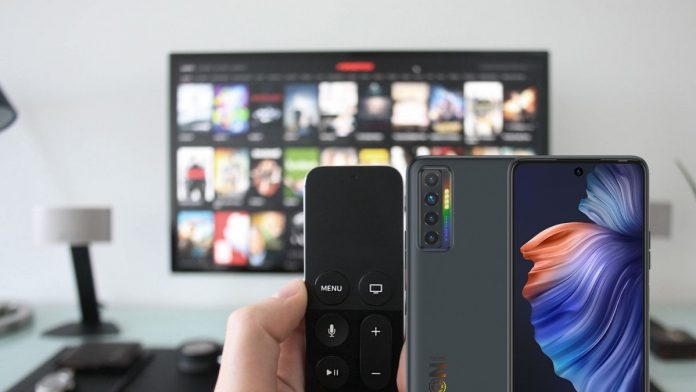
In most home’s TV remote gets missing every day, it may be hidden by your dog, your little siblings, your kids or maybe it might get stuck inside a sofa which you will definitely think it’s lost or missing or maybe it got broken and you don’t want to buy a new TV remote. Is there another way to control your TV? This is a tutorial on how to use your android phone as a tv remote.
Now, what if I tell you you can use your Android device as a TV remote when you misplace your TV remote or when your TV remote gets broken sounds great right, but there’s a little problem that stops you from experiencing it.
What stops you from using your Android device as a TV remote?
IR Blasters stops you from using your Android device as a TV remote because it imitates an infrared remote control like your TV remote in other to control
your TV as the remote, so if your smartphone doesn’t come with IR Blasters I don’t think your device will control your TV.
Steps on how to know if you have IR Blasters installed on your smartphone.
- Open Play Store on your Android device.
- Search for ‘IR Test‘ and select it.
- install the application.
- Open the application.
Then it will tell you if your Android device has IR Blasters installed on your smartphone device or not.
Basically, there are varieties of smartphones that are IR Blasters compatible. In this category, we have some best phones with this feature which includes the Xiaomi Redmi Note 10 and Note 10 Pro, Huawei P40 Pro, and P40 Pro Plus.
After knowing that your Android device has an IR Blasters installed in it, then we move over to the best TV remote application that you can use to control your TV, so we recommend Universal TV Remote Control.
Guides In Using Your Android Phone As TV ? Remote Control
- Go to Play Store.
- Search for universal TV remote control.
- Click on the first application you see.
- Install the application.
- Open the application.
- Click on “IR TV remote”.
- Select your TV model.
- Enjoy controlling your TV
That’s just basically what you needed to know and understand on how to use your Android device as a TV remote. If you have any issues connecting your smartphone to your tv so as to use it as a remote for your Television do not hesitate to reach out to us, we will be glad to help you out on this.