PDF is considered one of the most popular formats, so the question of how to combine PDF files is raised quite often. PDF is used thanks to Protected Viewer and Easy Reading. Most often it is used to create accounting statements, articles, contracts and other fairly large documents. Since presentations often consist of several pieces, they need to be redone, but it’s easier to combine them into one file to get a coherent structure, this will save you a lot of time.
There are many ways to combine them, and they can be divided into 2 broad categories: software and online services.
Programmatic methods with PDF Unlimited
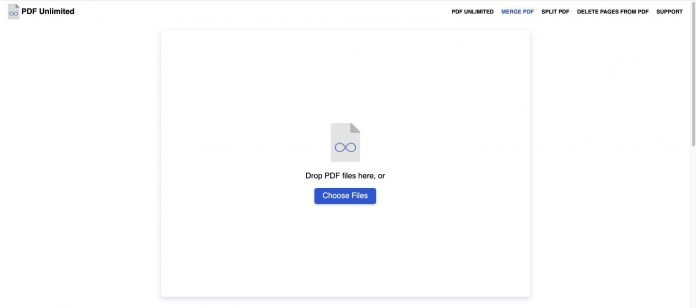
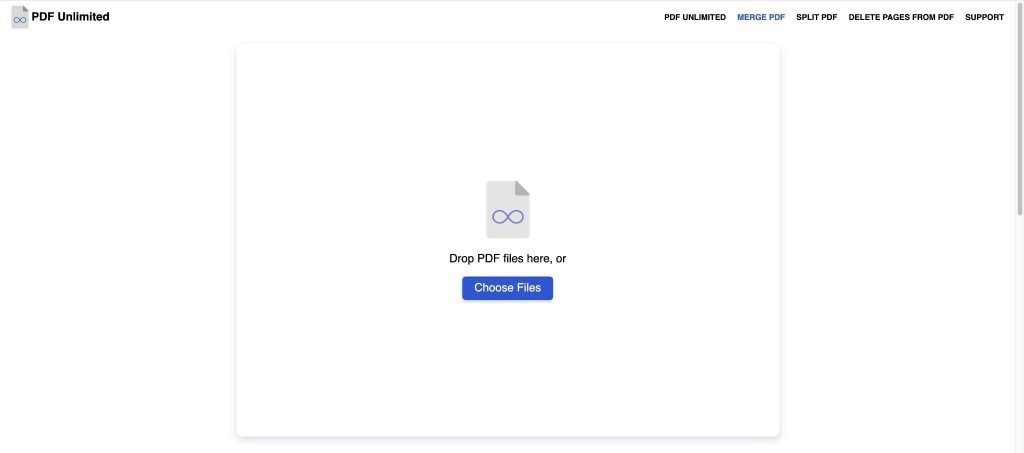
Merge PDF files into one program PDF Unlimited will help you as simply as possible because the utility purposefully makes up for the need to merge files, it can also split PDF. There is nothing more superfluous in it, which ensures high performance.
Benefits:
- The program is free (there are very few of them);
- There is a version without installation;
- High speed of work;
- There are auxiliary settings;
- Specializes in joining files.
- Also, you can split files
- You can delete pages from PDF
Combine PDFs with online services
If you do not want to download and install a program for merging PDF files, you can use one of the specialized online services. In this case, you need a browser and the Internet to work. Below we will tell you about the capabilities of the most popular online solutions.
Sejda PDF
The online service Sejda PDF has almost all the same features as the previous tools. It allows you to combine PDF files and split them into separate pages, convert from various formats to PDF and vice versa, insert watermarks, crop pages, set passwords and access modes, sign PDF documents. To work with the service, you need to choose what exactly needs to be done and drag the source file into a special window. In the free version of the service, you can do no more than three operations within 24 hours.
Smallpdf
Smallpdf is a simple but functional service. With its help, you can not only combine several PDFs into one, but also convert a PDF file to formats such as Word, JPG, PPT, Excel, and vice versa. In addition, there are functions for working with digital signature and security. In the editor, you can add text, an image, and even write something by hand. You can also reduce the file size without losing quality. To combine two PDFs, you need to upload them to the service and start the process.
Pdf.io
Online service pdf.io provides not only a wide variety of PDF tools, but also allows you to work with audio and video content. It, like other online services of this kind, allows you to combine PDF files and split them into parts, as well as convert content to popular formats and work with protection. In addition, it can rotate and number pages.
Also, this online service allows you to perform operations with video files, for example, cut or trim content, rotate, change the resolution and crop video, adjust the volume, change the playback speed, and also perform other operations. With audio tools, you can record speech from a microphone, trim or cut audio, change the volume, adjust the frequency with an equalizer, playback audio, adjust the speed, and combine songs. On the same site, you can find audio and video converters, as well as an archiver. Moreover, you can take advantage of all these opportunities completely free of charge.
Conclusion
Now you know what programs for merging PDF files are and what their capabilities are. Based on this information, you can choose those applications or online services that are right for you. If you only need to merge PDF documents from time to time, then it is better to choose free software. To work with them constantly and perform rather complex operations for editing them, it is recommended to buy a paid application.
Please leave your opinions on the current topic of the article. Thank you so much for your comments, subscriptions, responses, dislikes, likes!